Quick Win or Quick Fix? How to Tell the Difference
When something in the revenue process breaks, the natural response is to fix whatever is visible. A report looks wrong, so someone rebuilds it. Follow-up gets missed, so another reminder is added. CRM data is incomplete, so someone creates a spreadsheet to fill the gaps.
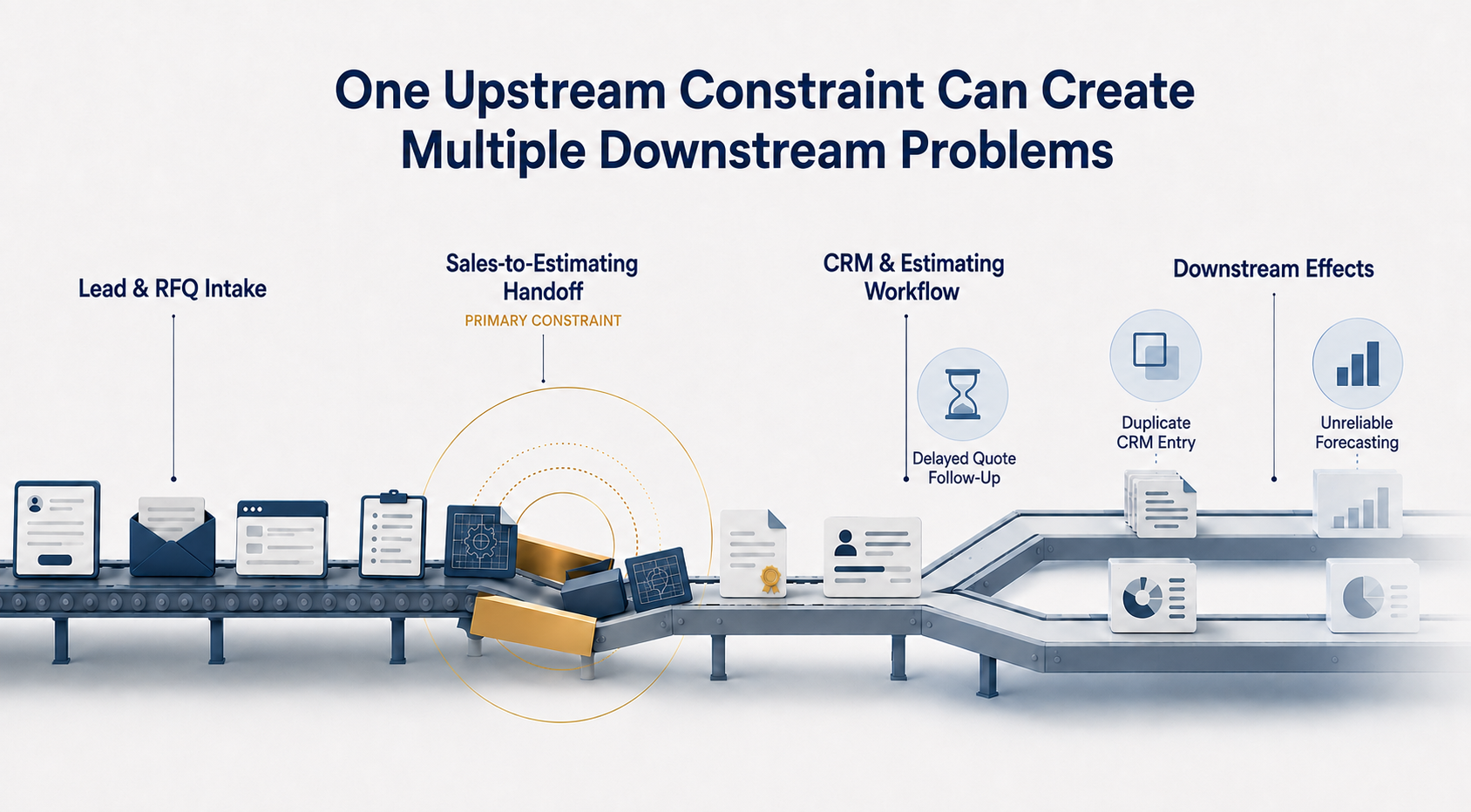
Each fix feels productive in the moment. But if the constraint underneath was never identified, the problem has not gone away. It has just moved somewhere else. That’s the difference between a quick fix and a quick win.
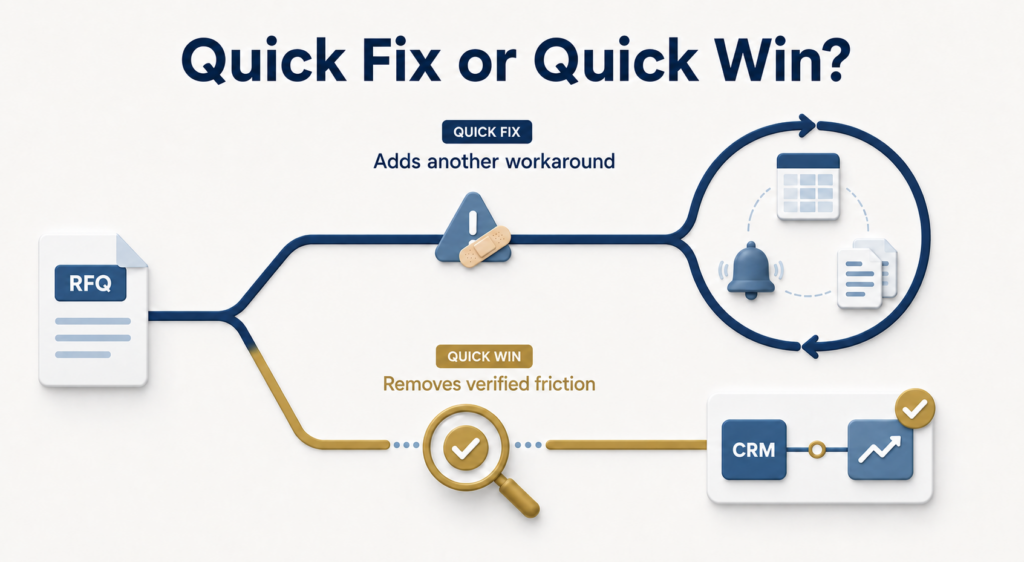
“A quick fix patches the visible symptom. A quick win addresses a verified constraint and creates evidence that the broader system can improve.”
Why Quick Fixes Create More Work
A quick fix usually focuses on the easiest part of the problem to see. If an RFQ is delayed because ownership is unclear, another notification may give more people something to monitor without clarifying who should act. If sales and estimating use different definitions for an active opportunity, a new dashboard may display the disagreement more clearly without resolving it.
The team then compensates for the gap by adding another manual check, spreadsheet, or side process. Over time, these workarounds create more work and make the revenue system harder to trust. What started as a temporary solution becomes another part of the process that someone has to manage.
Quick fixes routinely produce three hidden costs across a manufacturing organization:
- Secondary workarounds: When a forced patch makes a job harder, teams build informal side processes to keep deals moving.
- Erosion of CRM trust: Teams view the core system as an administrative tax rather than an operational asset.
- System fatigue: Employees stop buying into leadership initiatives because every “solution” creates new administrative overhead.
The quick-fix cycle:
Visible symptom → Isolated patch → New workaround → Friction moves downstream
How Acadia Identifies a Quick Win
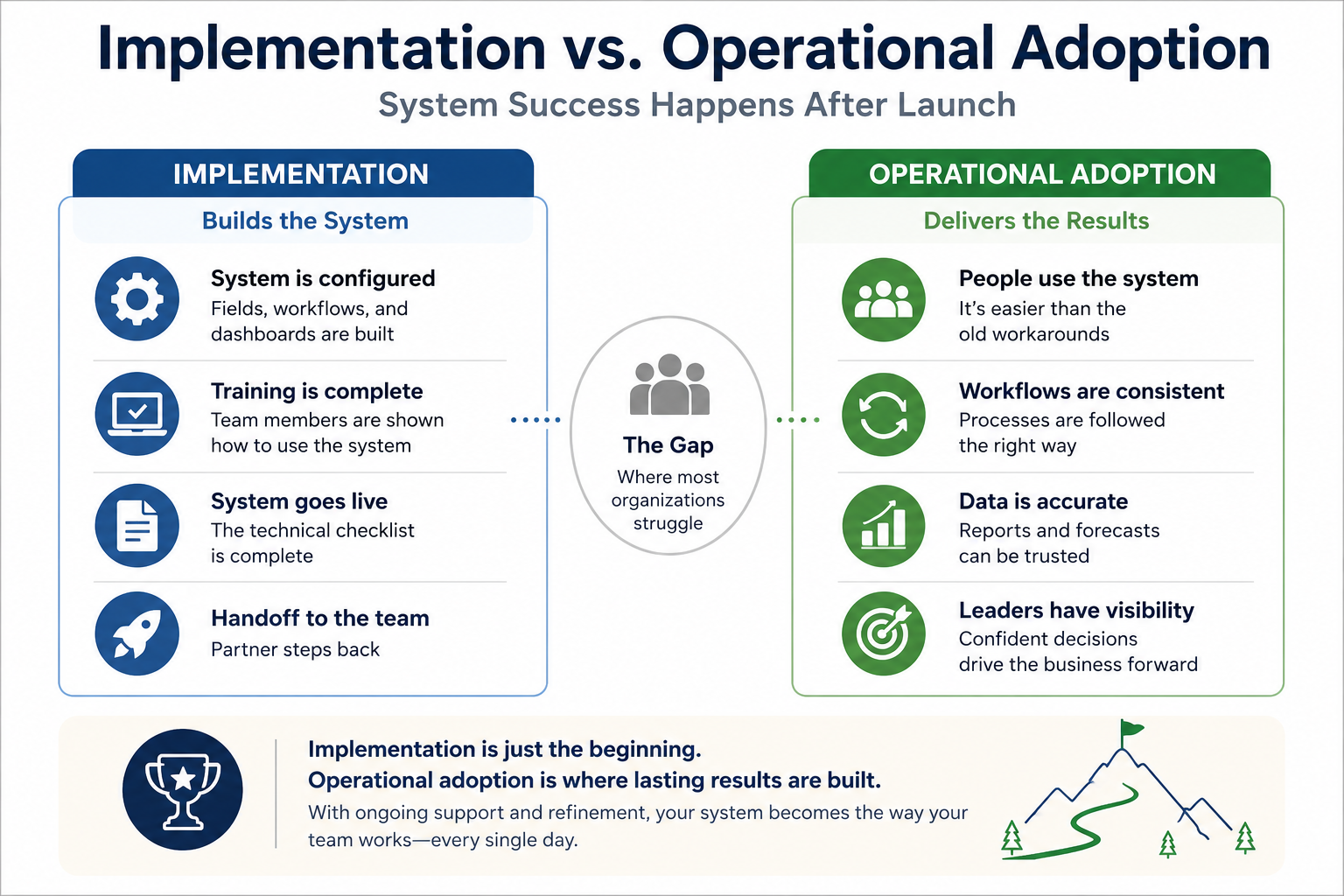
At Acadia, we select a quick win only after understanding how the revenue system actually works.
During Phase 1, Assess & Diagnose, we map the end-to-end workflow to see how inquiries, RFQs, technical qualification, estimates, and orders move through the organization. We look for unclear ownership, broken handoffs, duplicate entry, manual reporting, and information that is delayed or lost between systems. Then we identify the constraint creating the greatest downstream friction.
Only after that diagnosis do we move into Phase 2, Deliver Quick Wins.
The first change might clarify ownership at a handoff, eliminate duplicate entry, remove an unnecessary reporting step, or connect information that teams are manually reconciling. The specific action depends on the system. The principle remains the same: diagnose first, then act.
Acadia’s quick-win process:
End-to-End Workflow Map ──> Pinpoint Real Constraint ──> Target Leveraged Relief ──> Phase 2 Quick Win
A strong quick win should do three things:
- Address a verified constraint rather than an isolated complaint.
- Remove unnecessary work instead of adding another administrative step.
- Create early, visible evidence that the broader system can improve.
From Symptom-Patching to System Relief
This composite reflects patterns from multiple manufacturing engagements and does not represent a single client.
Visible Symptom:
An industrial equipment manufacturer was experiencing delayed quote follow-up and limited pipeline visibility. The initial instinct was to add more CRM fields and reporting.
Diagnosed Constraint:
After workflow mapping from technical inquiry through estimating and CRM tracking, Acadia found that reps were entering the same specifications into multiple systems. To keep quotes moving, CRM updates were delayed or skipped. It was duplicate work at a manual handoff.
System Change:
Acadia simplified intake, clarified ownership between sales and estimating, and reduced duplicate entry.
Before: Inquiry ──> Intake Log (Manual) ──> Estimating Tool (Manual) ──> CRM Deal (Manual)
└──> [Skipped by Sales]
After: Inquiry ──> Single Structured Entry ──> Auto-Populated CRM & Estimating Workflow
Operational Outcome:
Information moved more consistently, pipeline data became available sooner, and the team spent less time entering the same details. In comparable Acadia engagements, verified improvements have reduced manual CRM work by 60–70% within the first two months.
Leadership Impact:
Leaders spent less time reconciling reports and chasing quote statuses. Instead, they could focus on active opportunities, risks, and next decisions.
“A quick fix would have added more tracking. The quick win addressed the constraint creating the extra work.”
Why Early Improvement Builds Trust
Manufacturing teams that have been through several fixes that didn’t hold are often skeptical of the next one. A verified quick win provides early evidence that this approach is different and begins rebuilding trust.
A quick win isn’t a shortcut. It doesn’t replace the larger system work. It creates confidence in that work. It gives leadership and the people doing the work visible proof that a specific part of the system can improve.
That early progress helps:
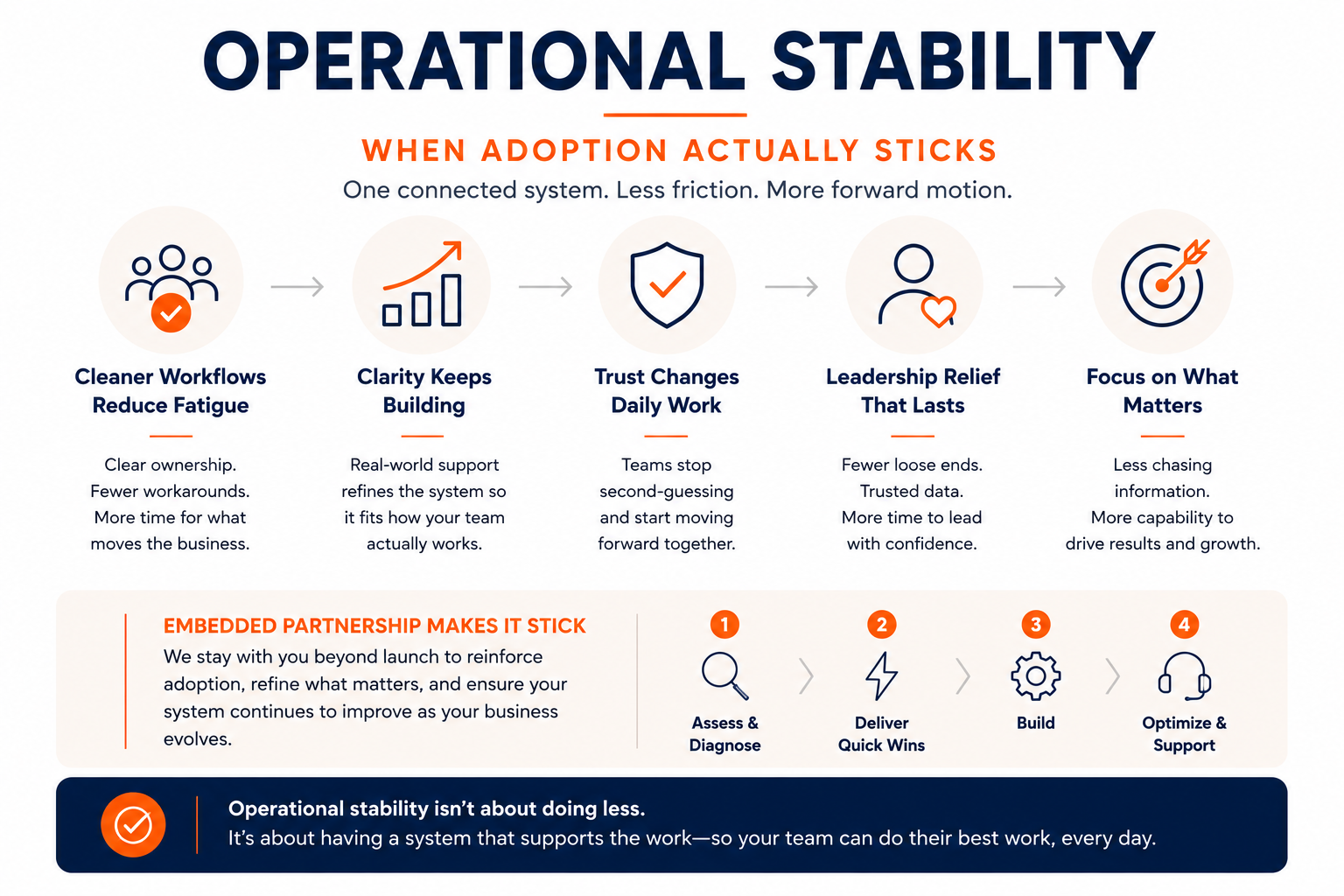
- Reduce immediate operational friction
- Build confidence in the broader system work
- Create momentum for aligning workflows, ownership, reporting, and technology
The clearest sign that a quick win is working is how leadership spends its time.
Less time spent:
- Validating reports
- Chasing individual updates
- Reconciling spreadsheets
More time spent:
- Reviewing active opportunities
- Identifying where attention is needed
- Deciding what should happen next
Quick Win or Quick Fix? Ask These Three Questions
Before approving the next change, ask:
- Does this address a verified constraint or only the symptom we can see?
- Will it remove work from the system or create another workaround?
- Will it improve clarity for the people doing the work and the leaders making decisions?
If the answers are unclear, the system may need a closer diagnostic look before another change is added.
Find the Friction Behind the Extra Work
Where is unnecessary work creating friction across your revenue process? Take the Revenue System Friction Check to identify which part of your system may need a closer look. Already know where the friction is showing up?
Schedule a System Diagnostics Call to determine whether the visible problem is the real constraint.