Anatomy of a Connected Manufacturing Revenue System
You open the dashboard and see an RFQ marked ‘in progress.’ But what does that actually mean? Is engineering reviewing specs or is estimating preparing the quote?
A dashboard tells you where an opportunity sits. A connected system tells your team what’s needed and who moves it forward.
Six parts make this work: intake, qualification, ownership, handoffs, technology, and shared decisions. Each has a job, and each depends on the others. Technology runs underneath it all, supporting the work rather than steering it.
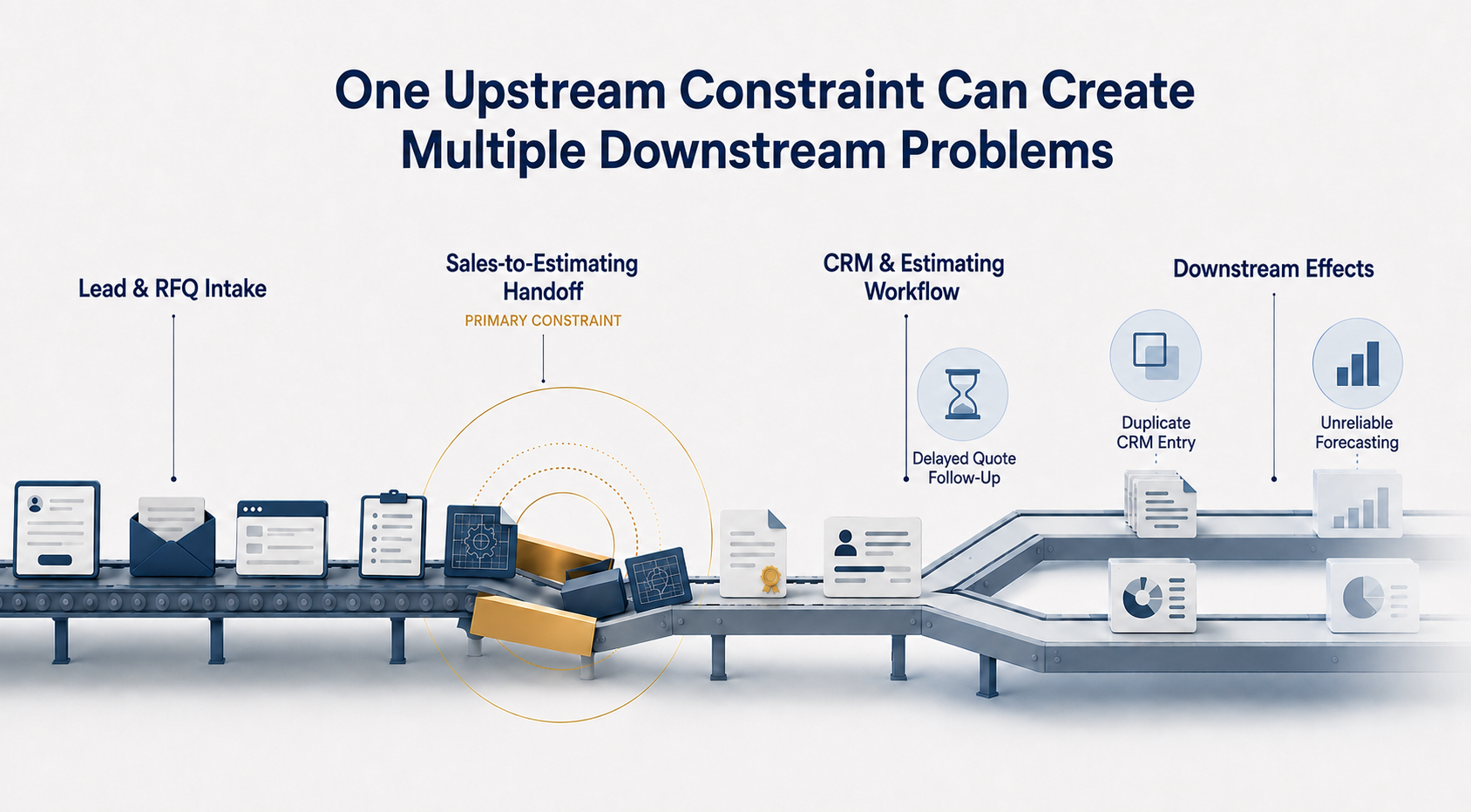
When one is missing, people fill the gap with extra emails, calls, and spreadsheets. Quotes take longer, commitments get missed, and leaders have less confidence in the pipeline.
In our previous article, we explored how Acadia finds what’s slowing the process. Now, let’s look at how these six parts fit together to keep work moving.
Catch the Right Details at Intake
Every connected system begins at the intake point. This is where manufacturing demand officially enters the organization, whether through a technical inquiry, a distributor portal, or an inbound RFQ.
Let’s say a distributor sends an RFQ with a drawing and a requested quantity. The delivery requirement is missing, and no one knows whether the drawing is the latest version.
Before anyone can move forward confidently, someone has to fill in those gaps.
A connected system makes those requirements clear up front. What information do we need now? What can we gather later? Who follows up when something is missing?
That might include the customer, application, specifications, quantity, timing, and relevant documents.
The point is to give the next person enough information to take the right action, with a clear owner for anything still outstanding. A good test: could estimating start on this inquiry without calling sales first?
Agree on What “Qualified” Means
In many manufacturers, marketing qualifies on engagement, sales qualifies on budget and relationship, and engineering qualifies on whether the part can actually be built. Each view is reasonable, but without shared criteria, the same opportunity can be hot, cold, and out of scope all at once.
Agree on what’s needed to move forward: customer fit, technical feasibility, usable specifications, and realistic timing. Bring technical stakeholders in before commitments are made and make the next step clear.
If an inquiry doesn’t qualify, decide whether to nurture, redirect, or decline it. That keeps opportunities from quietly disappearing and gives leadership a clearer picture of the pipeline.
Assign One Clear Owner at Each Stage
Unclear ownership is one of the quietest ways momentum slips. Several people may touch an opportunity, but someone needs to own moving it forward at each stage. Without clarity, follow-ups slip and RFQs stall.
Sales may handle customer communication, engineering the feasibility review, and estimating the quote. Each person needs to know what they’re responsible for, when their part is complete, and who takes over next.
Make the exceptions clear too since this is often where opportunities get stuck. If a rep is out, a spec is waiting in an engineering review queue, or a delivery date won’t work, who steps in? Who can approve the next move?
A connected system answers those questions before the team has to scramble. That makes it easier to keep work moving when an opportunity takes an unexpected turn.
Pass Along the Context, Too
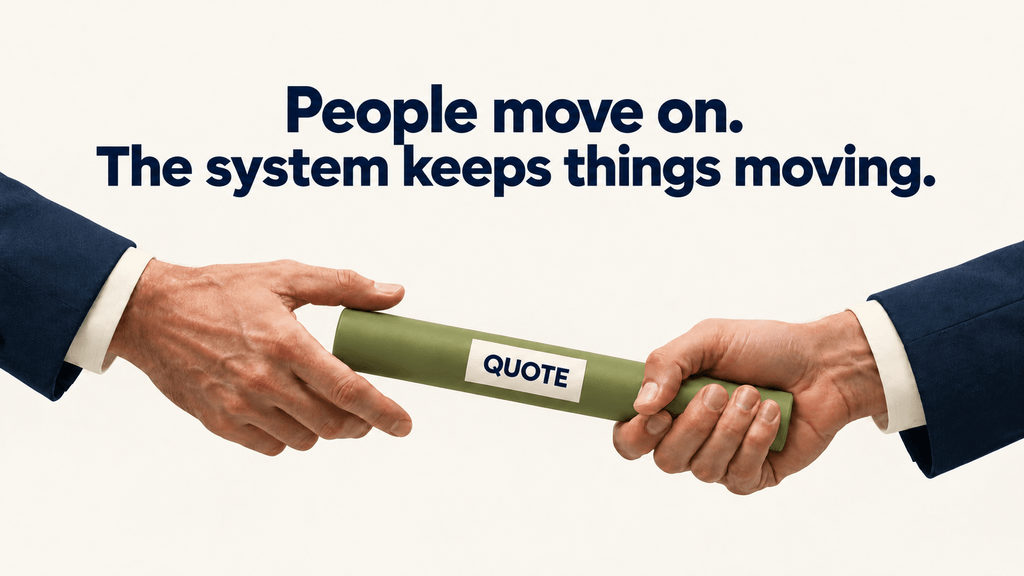
A lot can get lost as an opportunity moves from sales to engineering, estimating, and operations. Each person adds something, and the next person needs that context to keep things moving.
Take an RFQ moving from engineering to estimating. The drawing matters, but so do the approved specs, assumptions, open questions, and anything already promised to the customer. When the quote becomes an order, operations needs to know what changed along the way.
A connected handoff makes it easy to pick up where the last person left off: here’s what you need, here’s where to find it, and here’s how we know you’re ready to take over.
Ask three questions at each step: What gets passed along? How? Does anyone have to enter it again?
Capture specs once and carry them forward. Give operations an early view of commitments like lead times and tolerances. And whether an opportunity comes through a distributor or direct sales, bring it into the same structure so leaders can see the whole pipeline.
Give Each Tool a Clear Job
Once you know how the work should move, decide how technology should support it. The CRM tracks the opportunity, owner, and next step. Estimating builds the quote. The ERP handles fulfillment. Reporting shows leaders what needs attention.
The tools also need to share the right information: where it lives, what moves between systems, and what triggers an update. When estimating finishes a quote, sales should see its status and key details without digging through emails or piecing together spreadsheets.
Start with “What does this process need the tool to do?” That gives configuration and integrations a clear purpose and helps your tools fit how the business works.
That’s why we diagnose before recommending tools. Even a messy CRM may be a useful starting point once the process behind it is clear.
Connect the Numbers to a Decision
A dashboard is more useful when everyone agrees on what the numbers mean. What counts as an active opportunity? What does each stage mean?
How long should an RFQ wait for technical review? Shared definitions help teams spend less time debating reports and more time deciding what to do.
An aging RFQ may need a technical review. A growing estimating backlog may call for a capacity discussion. A drop in quote conversion may mean taking a closer look at fit, pricing, or follow-up.
Then comes the next question: Who can act on what we’re seeing?
Someone needs the authority to reprioritize a request, approve a pricing exception, decide to pursue or decline an RFQ, or update the forecast.
When the measures and that authority are clear, the conversation moves from “Are these numbers right?” to “What do we do next?” That’s how visibility starts to build confidence.
What It Looks Like When the Parts Work Together
Here’s an example:
An RFQ for a custom component arrives through a distributor. Intake captures the application, quantity, timeline, and distributor contact in a standard structure. The shared qualification criteria are applied the same day, including a quick technical check. A named owner picks it up. The estimator sees the specifications exactly as they were entered, so nothing gets re-keyed. When the quote goes out, the CRM stage updates, and operations can see the lead-time commitment before an order exists.
On Monday morning, the sales leader can see which RFQs are waiting on technical review and for how long. She works with the engineering lead to reprioritize the requests that need attention. They can decide what happens next without chasing status updates or building another report.
Bring It Together in One Operating Model
Every step from inquiry to order matters. The real work is making them work together.
That’s the focus of Acadia’s Phase 3: Build & Optimize. We build on what we learned during diagnosis and the early improvements from Phase 2, working alongside your team to connect workflows, ownership, tools, and reporting.
As an engineer-founded consultancy, we focus on how those connections work in practice, from the first inquiry through the order. Together, we define what makes an opportunity qualified, who owns each step, what information travels with the work, and how your tools support it.
Sales, marketing, estimating, and operations gain a shared view of three everyday questions: Where does this opportunity stand? What does it need? Who moves it forward?
Through Phase 4: Optimize & Support, we stay involved to help your team adopt the system and refine it as your business changes.
The result is a pipeline review where people trust what they see, know who owns the next step, and can decide what happens next.
How well do these connections hold up in your organization? Download the Revenue System Friction Check to spot warning signs in how information, ownership, and work move from inquiry to order.